Your company directory,
in every employee's phone.
RingSync syncs Microsoft Entra ID and Google Workspace one-way into the native contacts on your team's phones. Directory data passes through, but contacts are never stored on our servers.
- Microsoft Entra ID
- Microsoft 365
- Google Workspace
- Microsoft Intune
- Jamf
- Kandji
From directory to phone in three steps.
- 01
Connect your directory
Grant admin consent once for Microsoft Entra ID or Google Workspace. No secrets to manage in shared mode.
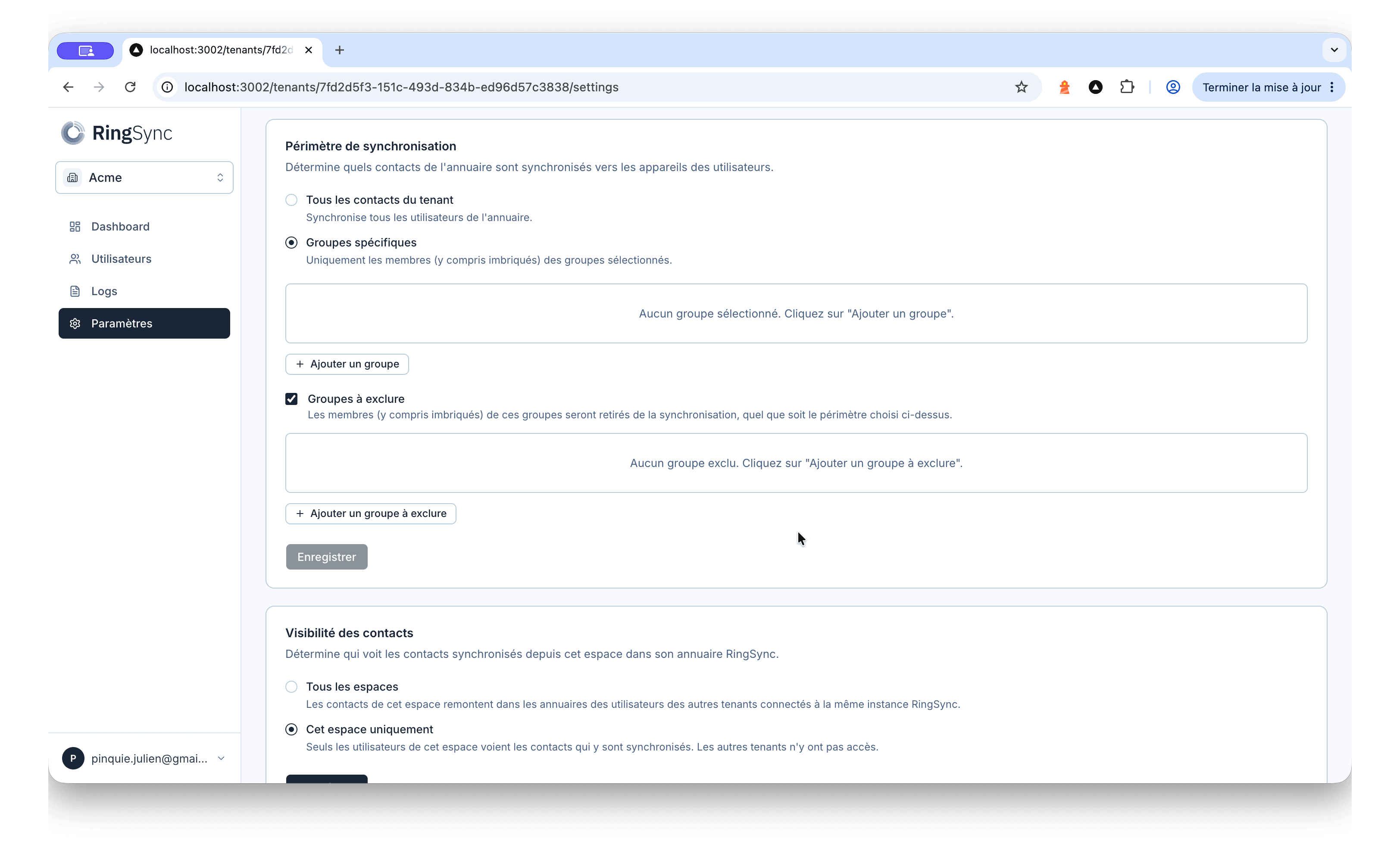
- 02
Pick your groups
Sync the whole directory or scope it to specific groups, with explicit exclusions for the accounts you want to keep out.
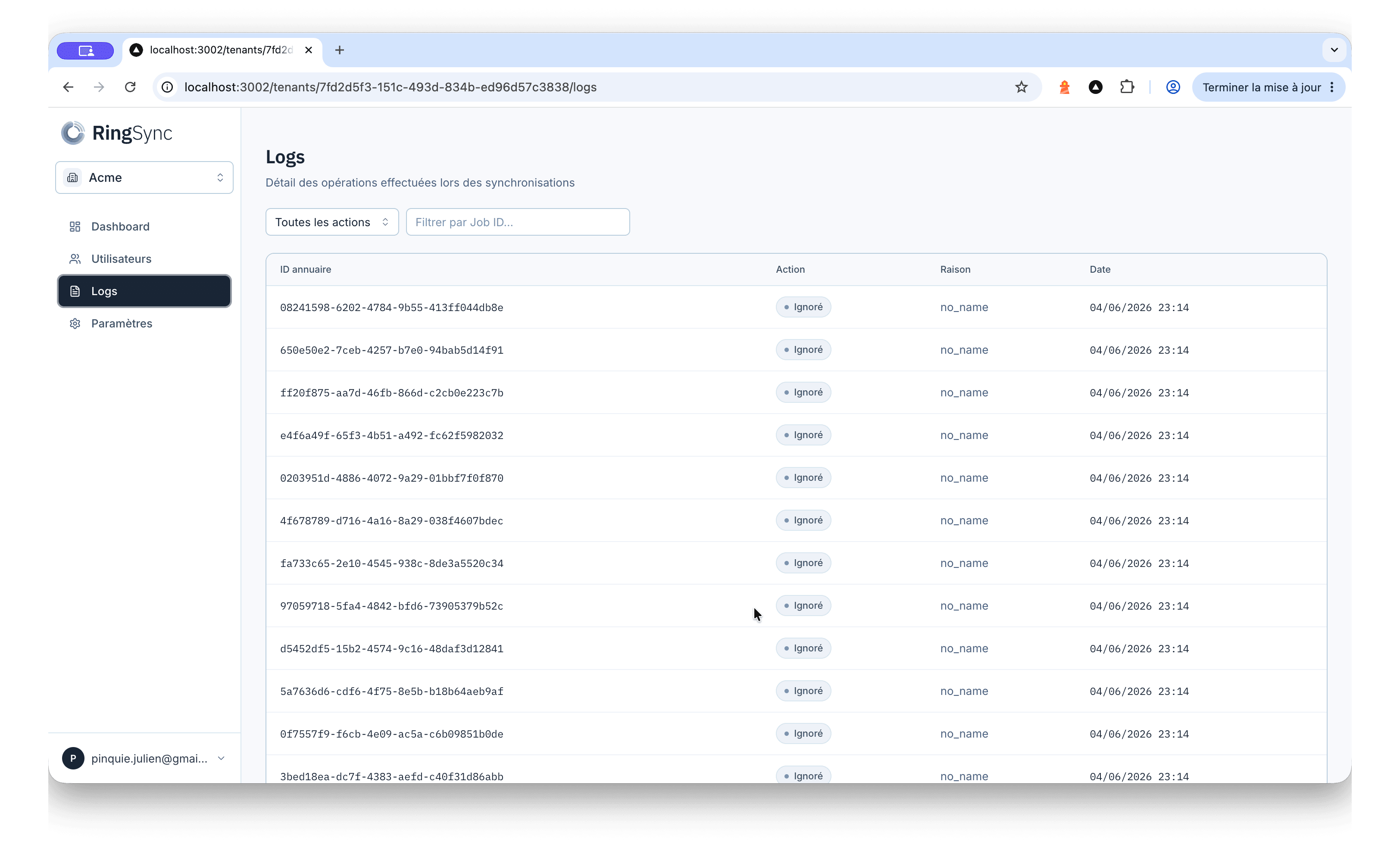
- 03
Deploy to phones
Employees sign in once and pull the directory into their native contacts. Changes re-sync automatically, deletions included.
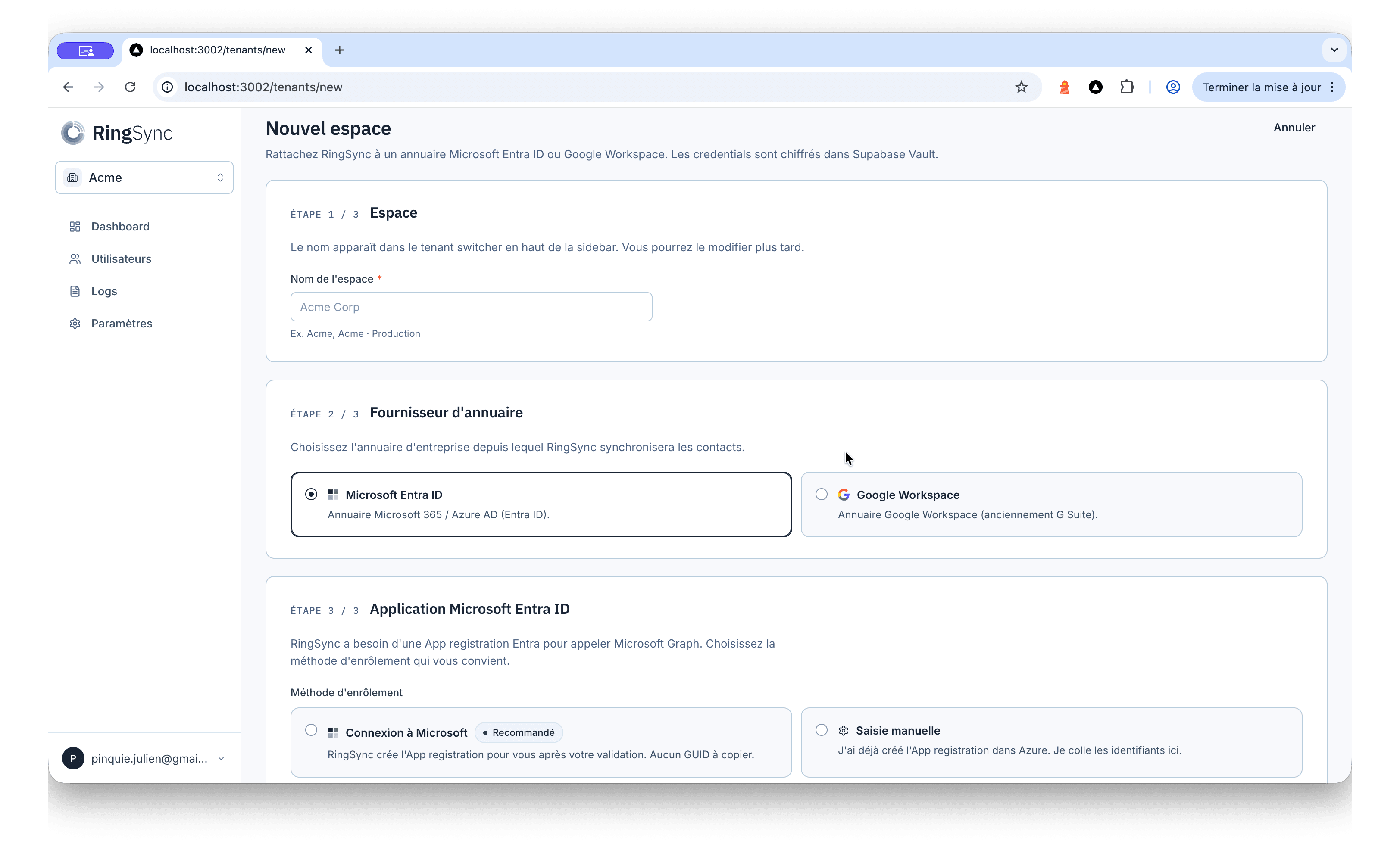
Connect your directory
Grant admin consent once for Microsoft Entra ID or Google Workspace. No secrets to manage in shared mode.
Pick your groups
Sync the whole directory or scope it to specific groups, with explicit exclusions for the accounts you want to keep out.
Deploy to phones
Employees sign in once and pull the directory into their native contacts. Changes re-sync automatically, deletions included.
Your contacts never live on our servers.
RingSync proxies the directory read server-side and streams it straight to the phone. We persist scheduling and sync metadata only — never the contacts themselves, which exist only in your directory and on your employees' devices.
- No contacts stored
- Hosted in the EU
- OAuth encrypted at rest
- SOC 2 in progress
- Selective wipe
- No contacts stored: directory records are never written to the RingSync database, only synced to the device.
- OAuth tokens encrypted at rest in Supabase Vault, with strict server-side credential handling.
- Hosted in the EU. SOC 2 in progress.
- Selective wipe: when an account is deprovisioned or access is revoked, the contacts for that directory are purged from the device — and nothing else.
One job. Done properly.
Per active seat. From €9 per year.
A seat is one active directory access on a synced device. Billed annually, no setup fees, cancel any time. A 14-day trial starts the moment you connect your first directory.
What IT teams ask first.
Deploy in under 10 minutes.
14-day free trial. No credit card. Cancel any time.